
Introduction
In the fast-evolving world of digital filmmaking, collaboration has transcended studio walls. Directors, producers, and editors now work together across continents, thanks to cloud-based workflows and powerful digital tools.
Learning how to effectively collaborate with Film Editors remotely is no longer a luxury — it’s a necessity. Whether you’re managing an indie film, a short documentary, or a commercial project, seamless communication with your editor ensures that your creative vision is perfectly translated on screen.
This guide explores how to build an efficient, secure, and creative remote collaboration workflow with your Film Editors — from sharing footage and reviewing edits to providing clear, actionable feedback.
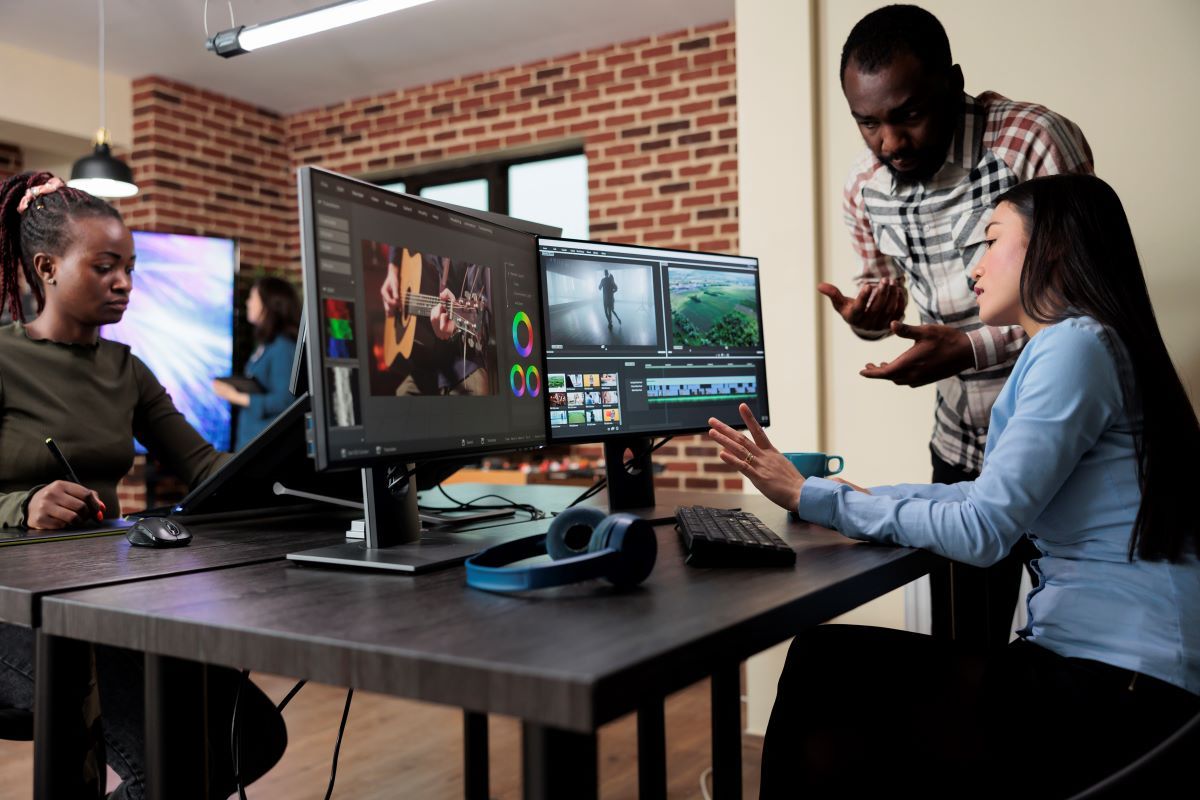
1. Why Remote Collaboration With Film Editors Is the New Normal
The global shift toward remote production has revolutionized post-production workflows. Editors can now access, edit, and deliver content without ever stepping into a physical studio.
| Benefit | Description |
|---|---|
| Global Talent Access | Collaborate with the best Film Editors worldwide without geographic limits. |
| Cost Efficiency | Save on studio costs, travel expenses, and physical storage. |
| Faster Turnaround | Editors can work around different time zones, ensuring near 24/7 progress. |
| Flexible Workflow | Teams can work asynchronously using shared cloud folders and editing timelines. |
| Sustainable Filmmaking | Remote collaboration reduces environmental impact by minimizing travel. |
Remote workflows empower both directors and Film Editors to focus purely on creativity — without logistical hurdles.
2. Essential Tools for Working With Film Editors Remotely
To make remote collaboration seamless, directors need the right toolkit. Here are some of the most efficient software solutions that Film Editors rely on:
| Tool | Use Case | Key Features |
|---|---|---|
| Frame.io | Video feedback and review | Timestamped comments, version control, secure file sharing |
| DaVinci Resolve Cloud | Editing and color correction | Multi-user timelines, real-time collaboration |
| Adobe Premiere Pro Team Projects | Collaborative editing | Cloud-based sequences, dynamic link with After Effects |
| Wipster.io | Approval and feedback | Frame-by-frame notes, client review features |
| Dropbox / Google Drive | File sharing and storage | Large file uploads, quick link sharing, organized folders |
These tools allow Film Editors and directors to review, edit, and approve footage effortlessly — no matter where they’re located.
3. Building an Efficient Remote Editing Workflow
To maintain creative consistency and productivity, it’s crucial to design a clear and well-organized workflow between you and your Film Editors.
A. Organize Before You Start
-
Label all media files and create structured folders (e.g., RAW footage, sound, music, final exports).
-
Maintain a shared naming convention for easy reference.
B. Use a Cloud-Based Editing Environment
Platforms like DaVinci Resolve Cloud or Adobe Team Projects allow simultaneous editing on the same project timeline. This keeps everyone synced in real time.
C. Communicate Clearly
Use collaborative tools like Slack or Notion to share progress updates, editing notes, and version numbers. Clear written feedback prevents confusion and speeds up revisions.
D. Review Regularly
Schedule weekly or bi-weekly review sessions using Zoom or Google Meet. Watch scenes together, discuss pacing, tone, and visual style.
E. Keep Versions Organized
Always keep track of edits with proper versioning (e.g., “Cut_v1”, “Cut_v2_Notes”, “Final_Cut”). This ensures no confusion during revision rounds.
4. How to Provide Feedback to Film Editors
Feedback is the heart of collaboration. Directors must express their vision precisely so editors can interpret it correctly.
Here are best practices for giving feedback that helps Film Editors deliver top-quality results:
-
Be Specific: Instead of saying “make it faster,” say “trim 3 seconds off the opening montage.”
-
Use Visual References: Share examples or previous clips to clarify desired effects.
-
Time-Stamped Notes: Tools like Frame.io or Wipster allow you to comment directly on specific frames.
-
Stay Consistent: Use one communication thread per project to avoid lost feedback.
-
Balance Creativity and Control: Allow your editor room for creative decisions — they often spot narrative flow improvements you might miss.
When feedback is clear, concise, and constructive, editors can refine your story with accuracy and artistry.
5. Maintaining Security and Confidentiality
Film projects often involve sensitive material — unreleased scenes, licensed content, or confidential scripts. Protecting your assets is vital when working with Film Editors remotely.
Follow these best practices:
-
Use password-protected folders or encrypted cloud services.
-
Restrict access to trusted collaborators only.
-
Avoid using public links for project files.
-
Backup data regularly using secure offline drives.
-
Use NDAs (Non-Disclosure Agreements) to safeguard your creative rights.
Secure collaboration ensures your creative work stays private until it’s ready for the world to see.
6. Overcoming Common Challenges in Remote Editing
| Challenge | Solution |
|---|---|
| Slow File Transfers | Compress large files or use platforms like Aspera for fast uploads. |
| Communication Gaps | Use video calls for major creative discussions, not just text messages. |
| Creative Misalignment | Share visual references and edit notes early in the process. |
| Technical Compatibility | Ensure both parties use the same editing software version. |
| Deadline Pressures | Create a shared production calendar with realistic milestones. |
Solving these challenges early ensures smoother collaboration and higher-quality final outputs.
7. Case Study: Remote Collaboration Success Story
When independent director Sarah Linton began editing her short film “Parallel Frames”, her Film Editors were located across two different countries.
-
Challenge: Managing feedback across time zones and limited internet speeds.
-
Solution: The team used Frame.io for edit review, Notion for project tracking, and Google Meet for weekly updates.
-
Result: They completed post-production two weeks ahead of schedule, delivering a polished film that premiered at three indie film festivals.
This shows that when communication, tools, and organization align, remote editing becomes effortless — even across borders.
8. The Future of Remote Collaboration With Film Editors
The future of post-production is digital and interconnected. New technologies are making it easier for Film Editors and directors to collaborate creatively without physical constraints.
-
AI-Powered Editing: Tools like Adobe Sensei automate repetitive editing tasks.
-
Cloud Rendering: Instant rendering speeds up final delivery.
-
Real-Time Co-Editing: Multiple editors can work on the same sequence simultaneously.
-
Virtual Reality Review Rooms: Directors can preview scenes interactively in 3D environments.
These advancements make remote collaboration faster, more immersive, and more creative than ever.
Conclusion
The relationship between directors and Film Editors defines the rhythm and emotional impact of a film. In today’s digital era, remote collaboration bridges distance and creativity — allowing filmmakers to tell stories that transcend geography.
With the right workflow, communication habits, and collaboration tools, working with Film Editors remotely can be just as effective (if not more so) than in-person editing. The key is clarity, trust, and shared artistic vision.
FAQs About Collaborating With Film Editors
What are the best tools for collaborating with Film Editors remotely?
Some of the best tools include Frame.io, DaVinci Resolve Cloud, and Adobe Team Projects. You can explore more options in our detailed guide on Film Making Tools and Collaboration Platforms You Should Try.
Q2. How do I ensure smooth communication with Film Editors?
Establish clear feedback channels and schedule regular review sessions through Zoom or Google Meet. Always provide timestamped, specific feedback to avoid confusion.
Q3. Can Film Editors work on multiple projects remotely at once?
Yes, experienced Film Editors often manage several projects by using organized project folders and structured time management systems.
Q4. How do I choose the right Film Editors for my project?
Look for editors with experience in your film genre, review their previous work, and hold a short video call to discuss creative alignment and workflow expectations.
Q5. What’s the biggest advantage of working with Film Editors remotely?
It allows access to a wider talent pool, flexible scheduling, and reduced costs — without compromising on creative quality.
Q6. Are remote Film Editors as effective as in-house editors?
Absolutely. With today’s high-speed internet and advanced editing tools, remote editors can deliver professional-quality work equal to (or better than) in-house teams.
Q7. How can I keep files organized when working with Film Editors remotely?
Use structured folder systems, consistent naming conventions, and cloud services with version control like Frame.io or Dropbox.
Q8. Is it safe to share raw footage with Film Editors online?
Yes, as long as you use secure, encrypted platforms and password-protected folders. Always verify the platform’s privacy policies before uploading sensitive content.
Q9. How long does the remote editing process usually take?
Depending on project complexity, remote editing can take anywhere from a few weeks for short films to several months for feature-length productions.
Q10. How can I maintain creative control while collaborating with Film Editors?
Be actively involved in review cycles, provide detailed notes, and establish a shared creative vision before the first cut begins.
Leave a comment