
Introduction
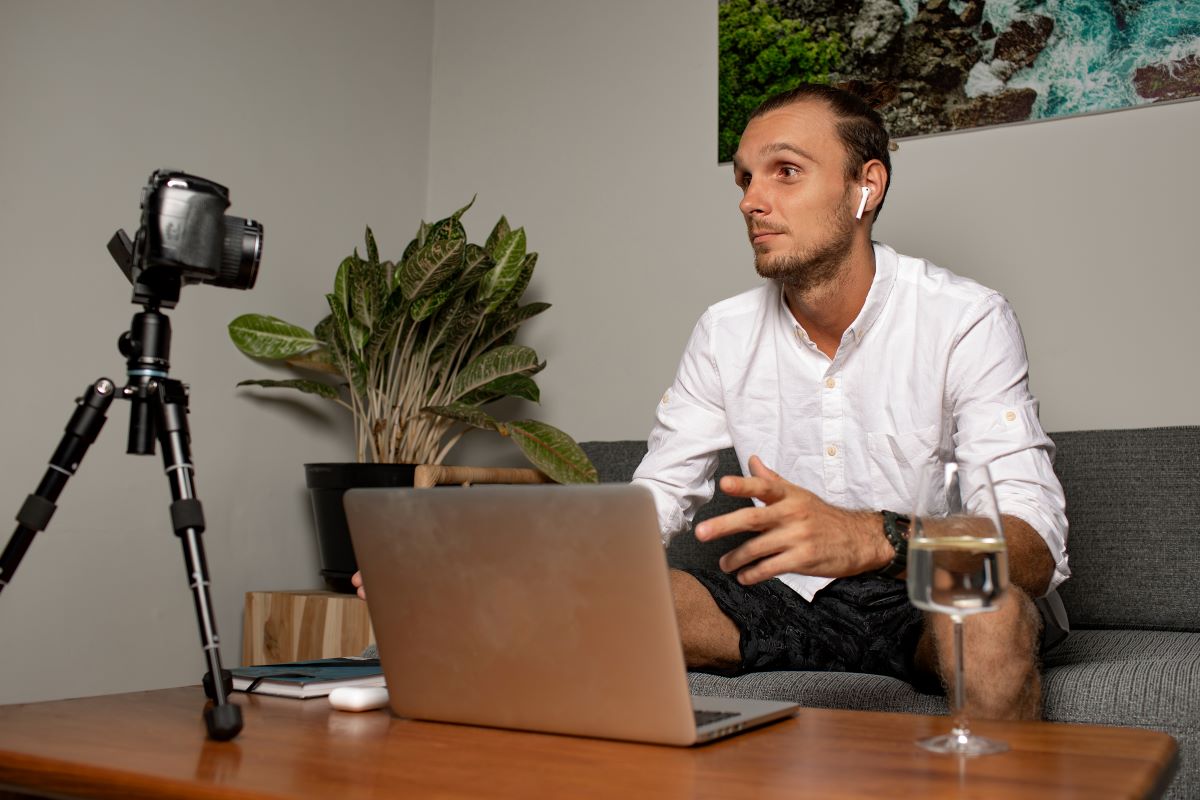
The role of a director has evolved dramatically in the digital era. From coordinating shoots to managing post-production, directors now rely heavily on technology to bring their vision to life — no matter where their teams are located.
Today’s filmmakers don’t need to be in the same studio or even on the same continent to create cinematic masterpieces. Thanks to modern Film Director Collaboration Tools, directors can communicate with editors, cinematographers, and production designers seamlessly across borders.
This guide breaks down the best tools, platforms, and strategies that empower directors to manage remote projects with precision, creativity, and ease.
1. Why Collaboration Tools Are Essential for Film Directors
Effective filmmaking requires strong communication between multiple departments — cinematography, editing, sound, and production. When these teams are remote, Film Director Collaboration Tools become the backbone of the workflow.
| Benefit | Description |
|---|---|
| Real-Time Feedback | Directors can review footage and provide feedback instantly. |
| Global Team Management | Coordinate with international film crews easily. |
| Cost Efficiency | Save travel and setup costs by centralizing communication. |
| Faster Production | Reduce waiting time between edits and approvals. |
| Creative Control | Directors stay involved at every stage, from pre to post-production. |
These tools not only improve efficiency but also allow directors to focus on storytelling rather than logistics.
2. Top Film Director Collaboration Tools for Remote Projects
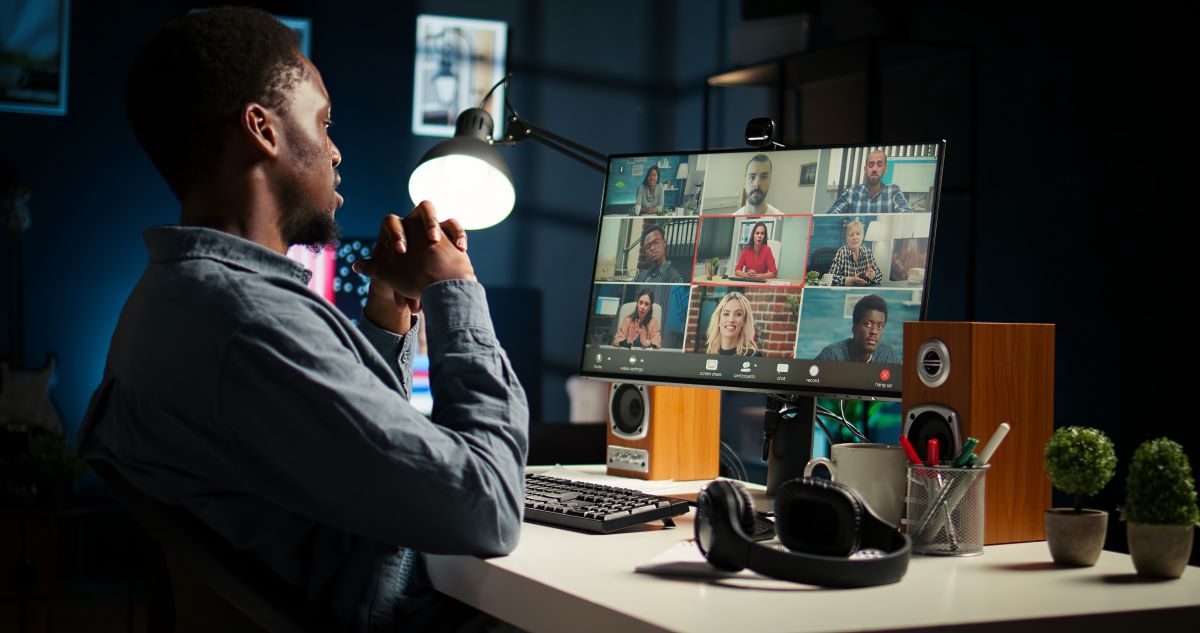
Here are some of the most powerful Film Director Collaboration Tools that are shaping the way filmmakers work remotely.
| Tool | Best For | Key Features | Pricing |
|---|---|---|---|
| Frame.io | Video Review & Feedback | Time-stamped comments, version tracking, cloud storage | From $15/month |
| ShotGrid (Autodesk) | Production Management | Task tracking, scheduling, and asset management | From $30/month |
| Adobe Team Projects | Real-Time Editing | Cloud syncing, shared sequences, integrated chat | Available with Adobe CC |
| Notion | Creative Planning | Storyboarding, scene planning, script organization | Free & Paid plans |
| Slack | Team Communication | Channels, file sharing, video calls, integrations | Free & Paid plans |
| Trello | Task Management | Kanban boards, labels, automation | Free & Paid plans |
| DaVinci Resolve Cloud | Post-Production | Multi-user editing, grading, and rendering | From $5/month |
| Wipster.io | Client Feedback | Frame-by-frame notes, secure sharing | From $19/month |
Each of these Film Director Collaboration Tools plays a unique role in enabling remote filmmaking — from project management to creative review and delivery.
3. Building a Remote Workflow for Directors
Working remotely doesn’t mean compromising quality. A director’s workflow should be structured, secure, and creative.
A. Pre-Production
Use Notion or ShotGrid to organize scripts, scenes, and production notes. Create shared calendars to keep the crew aligned.
B. Production
Use Slack for communication and daily check-ins. Directors can oversee on-set footage remotely via live video or Frame.io uploads.
C. Post-Production
Collaborate on rough cuts through Adobe Team Projects or DaVinci Resolve Cloud. Review edits and color grades directly online.
D. Delivery
Share final versions securely with clients using Wipster.io or Dropbox links protected by access control.
With this system in place, directors can oversee every part of the process without physically being there.
4. How to Choose the Right Film Director Collaboration Tools
Choosing the perfect tools depends on your film type, budget, and workflow style. Consider these key factors:
| Criteria | What to Look For |
|---|---|
| Compatibility | Ensure tools integrate with your editing or project management software. |
| Ease of Use | Choose platforms that your team can adapt to quickly. |
| Security | Look for encrypted sharing and user access control. |
| Real-Time Syncing | Helps in faster collaboration and fewer delays. |
| Cost | Evaluate subscription plans that fit within your production budget. |
For instance, Frame.io is perfect for high-quality video review, while Notion excels at script planning and creative collaboration.
5. Integrating Collaboration Tools Into Your Filmmaking Routine
Once you’ve selected your Film Director Collaboration Tools, it’s crucial to integrate them effectively into your workflow:
-
Create shared workspaces for every department.
-
Assign clear roles and permissions to prevent data confusion.
-
Hold weekly sync meetings to align goals.
-
Use automation tools like Trello Butler or Slack reminders.
-
Archive completed projects systematically for easy retrieval.
Consistency and structure ensure smooth production even when teams are scattered worldwide.
6. Security and Backup Best Practices
Your film files, scripts, and creative assets are invaluable. Always maintain top-tier security when working remotely.
-
Use encrypted cloud platforms like Dropbox Business or Google Workspace.
-
Keep at least two backups — one local and one cloud-based.
-
Enable two-factor authentication for all team members.
-
Share sensitive data only with trusted collaborators.
-
Regularly audit access permissions.
These precautions ensure that your creative content remains safe from leaks and data loss.
7. Real-World Example: Remote Film Collaboration Success
During the post-production of “Lost Horizon,” an indie sci-fi film, the director worked entirely remotely with editors and VFX artists across four countries.
By using DaVinci Resolve Cloud and Frame.io, the team managed to deliver the final film 10 days ahead of schedule — with zero data loss and perfect synchronization.
This proves that the right Film Director Collaboration Tools can make distance irrelevant while maintaining cinematic quality.
8. Future of Remote Filmmaking and Collaboration
The next generation of Film Director Collaboration Tools will rely on AI and cloud innovation to make film production faster and smarter.
-
AI-Powered Editing Assistants: Suggest cuts and enhance pacing.
-
Cloud Rendering Farms: Deliver real-time high-resolution previews.
-
VR/AR Collaboration Spaces: Directors and editors can virtually co-edit in immersive environments.
-
Voice Command Integration: Simplify repetitive editing or labeling tasks.
These advances will reshape how directors work — turning remote filmmaking into the new standard of creativity.
Conclusion
The art of directing is evolving with technology. Whether you’re managing a short film or a full-length feature, Film Director Collaboration Tools empower you to lead, review, and refine every creative detail without being on set.
By embracing tools like Frame.io, Notion, and DaVinci Resolve Cloud, directors can maintain their artistic control and collaborate efficiently from anywhere in the world.
The future of filmmaking is not about location — it’s about connection.
FAQs About Film Director Collaboration Tools
Q1. What are the best Film Director Collaboration Tools for remote work?
Top tools include Frame.io, ShotGrid, and DaVinci Resolve Cloud for video collaboration, and Notion or Trello for team organization.
Q2. Are these tools suitable for independent filmmakers?
Yes, most Film Director Collaboration Tools offer affordable or free plans ideal for indie directors and small production teams.
Q3. How do collaboration tools help directors save time?
They allow directors to review footage, provide instant feedback, and communicate updates without waiting for in-person meetings.
Q4. Can Film Director Collaboration Tools integrate with editing software?
Yes, platforms like Frame.io and Adobe Team Projects integrate directly with Premiere Pro, After Effects, and DaVinci Resolve for seamless editing.
Q5. How secure are Film Director Collaboration Tools?
Most modern tools use encryption, password protection, and access permissions to keep your footage and scripts safe from leaks.
Q6. Which tool is best for reviewing video edits remotely?
Frame.io is one of the most popular choices, offering real-time feedback, versioning, and frame-based commenting for remote directors.
Q7. How can I collaborate with my editor and colorist simultaneously?
Use DaVinci Resolve Cloud or Adobe Team Projects — both allow multiple users to edit, grade, and review the same sequence at once.
Q8. What’s the best communication tool for film crews?
Slack and Discord are excellent for daily communication, while Zoom is perfect for detailed creative meetings and visual reviews.
Q9. Do collaboration tools work well for large film productions?
Yes, enterprise-level tools like ShotGrid are built specifically for large-scale productions with multiple departments and global teams.
Q10. How can I learn to use these tools effectively?
Start by reading our guide on Film Making Tools and Collaboration Platforms You Should Try to explore tutorials, pricing, and setup tips for top filmmaking platforms.
Leave a comment